Microsoft Word Masterclass: Beginner to Professional
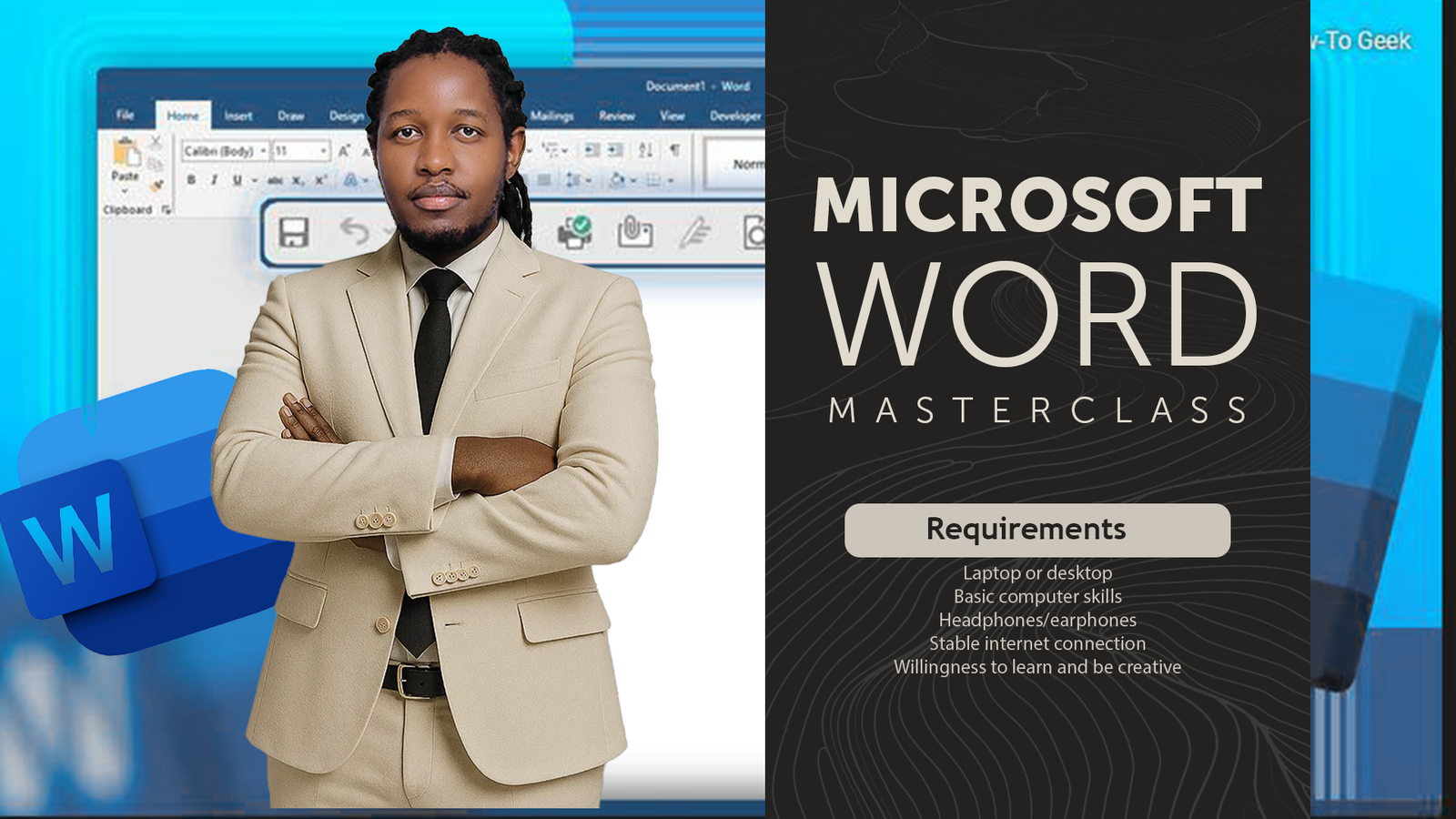
About Course
Welcome to the Microsoft Word Masterclass: Beginner to Professional by Ideaspace Digital Academy.
This practical course is designed to help you develop essential Microsoft Word skills for business, education, office administration, and everyday productivity.
Through guided video lessons and practical exercises, you will learn how to create and manage documents, format text and paragraphs, work with tables, adjust page layouts, proofread content, and prepare professional documents for printing and digital sharing.
What You Will Learn
-
Navigate the Microsoft Word interface.
-
Create, edit, save, and organize documents.
-
Format text, paragraphs, and lists professionally.
-
Create and format tables.
-
Configure page layouts, headers, footers, and page numbers.
-
Use spelling, grammar, and document review tools.
-
Print documents and export files to PDF.
-
Create professional business letters and reports.
Course Content
Module 1: Course Introduction
-
Meet Your Instructor
00:00 -
How This Course Works
00:00 -
Downloading Microsoft Word
00:00 -
Downloading and Installing Winrar
00:00 -
Installing Microsoft Word
00:00
Module 2: Creating & Managing Documents
Student Ratings & Reviews